Feature Information
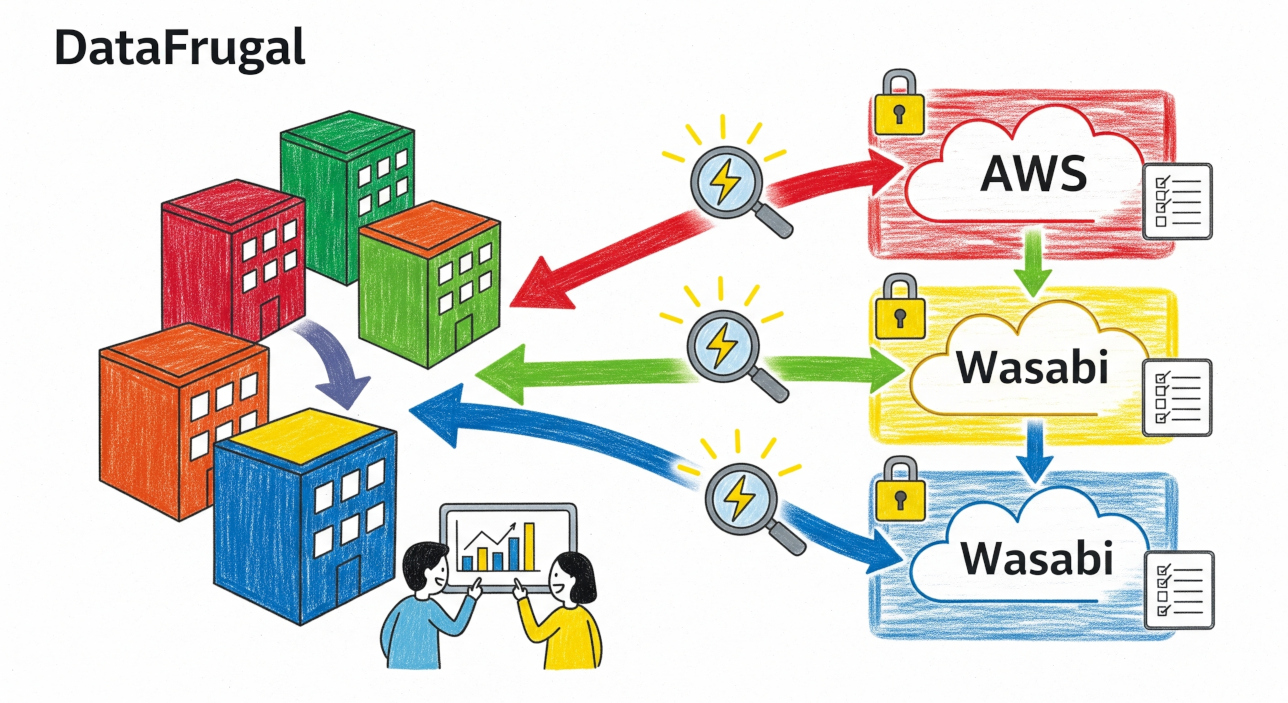
DataFrugal provides a consolidated view of protected data across systems, services, and automated workflows — without requiring teams to manage multiple tools or interfaces.
A Single Control Plane for Data Visibility
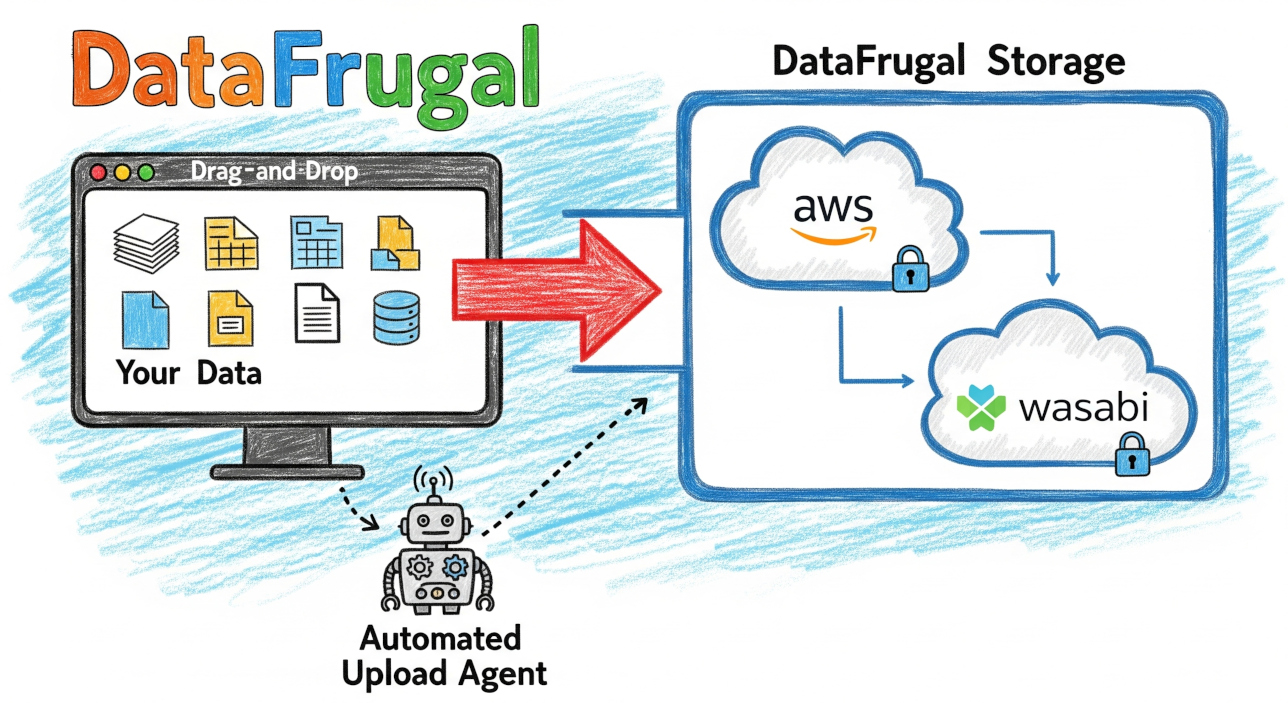
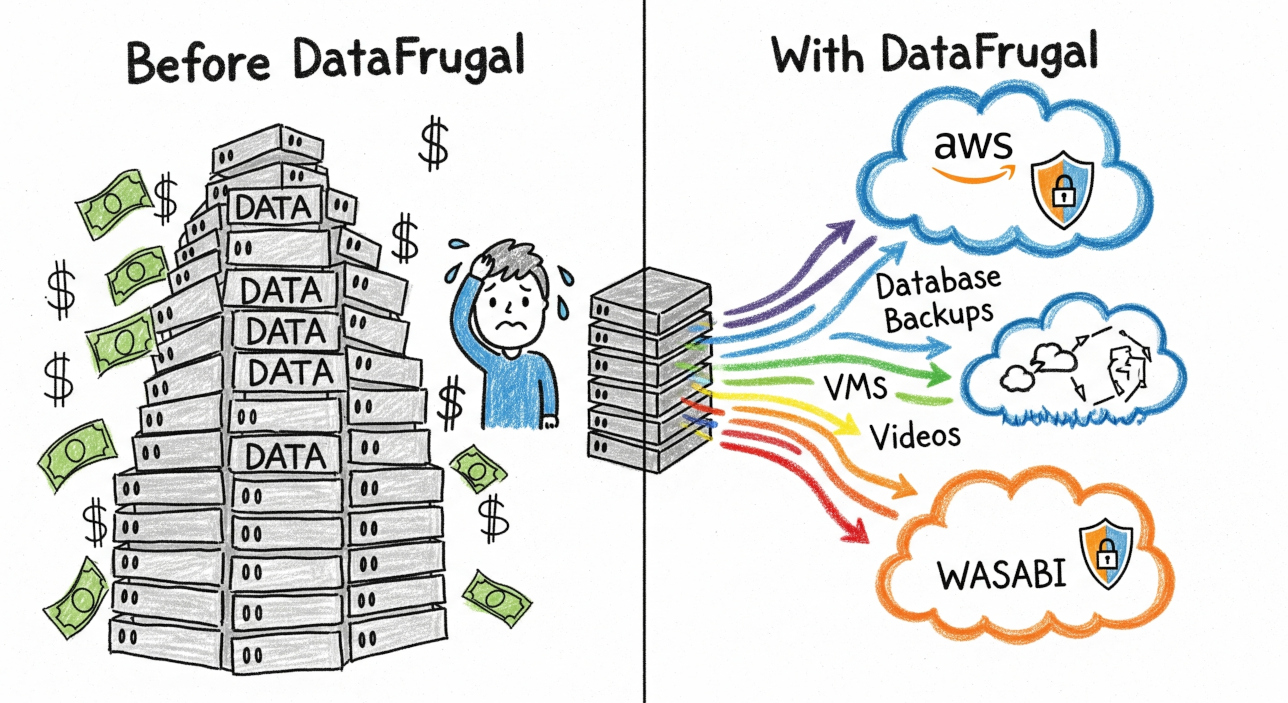
DataFrugal aggregates visibility across UI-driven uploads, API-based backups, system snapshots, and application-generated artifacts. Metadata-based indexing, version awareness, and structured access controls allow teams to understand what data exists, where it originated, and how it is retained — all without inspecting or processing data content. This unified view supports operational clarity across backup, archival, and long-term retention workflows from a single dashboard.
Frequently Asked Questions
Learn more about multi-cloud dashboards, unified cloud management, S3 storage interfaces, governance, and cloud compliance with DataFrugal.
What is a multi cloud dashboard, and why is it important?
A multi cloud dashboard is a centralized interface that lets organizations monitor and manage storage across multiple cloud providers from one place.
Instead of switching between different cloud consoles, teams gain unified visibility into storage usage, object activity, permissions, and operational health. This improves efficiency, reduces management complexity, and helps organizations respond faster to incidents.
How does a unified cloud dashboard simplify cloud storage
management?
A unified cloud dashboard consolidates storage operations across AWS S3, Azure Blob Storage, Google Cloud Storage, MinIO, and other S3-compatible platforms into a single view.
This enables IT and DevOps teams to monitor storage activity, track changes, review audit logs, and manage cloud resources consistently without relying on multiple native management consoles.
What is an S3 storage UI, and how does it improve operational
visibility?
An S3 storage UI provides a graphical interface for managing object storage without using command-line tools or multiple cloud consoles.
It allows teams to browse buckets, upload and download objects, review metadata, monitor user activity, and perform administrative tasks from one centralized interface. This improves operational visibility while reducing the risk of manual errors.
Why should businesses use centralized cloud management instead
of multiple cloud-native consoles?
Centralized cloud management provides a single platform to oversee storage operations across different cloud environments.
This approach reduces operational overhead, improves governance, simplifies audits, and helps teams maintain consistent access controls and visibility across all cloud storage resources. It is especially valuable for organizations managing hybrid or multi-cloud infrastructures.
How can a centralized cloud dashboard help with cloud
governance and compliance?
A centralized cloud dashboard helps organizations maintain governance by providing unified visibility into object access, storage activity, and operational events across multiple cloud environments.
Having a single source of operational information makes it easier to investigate incidents, support compliance requirements, prepare audit evidence, and demonstrate accountability without manually collecting data from different cloud platforms.